November 23rd, 2023
New
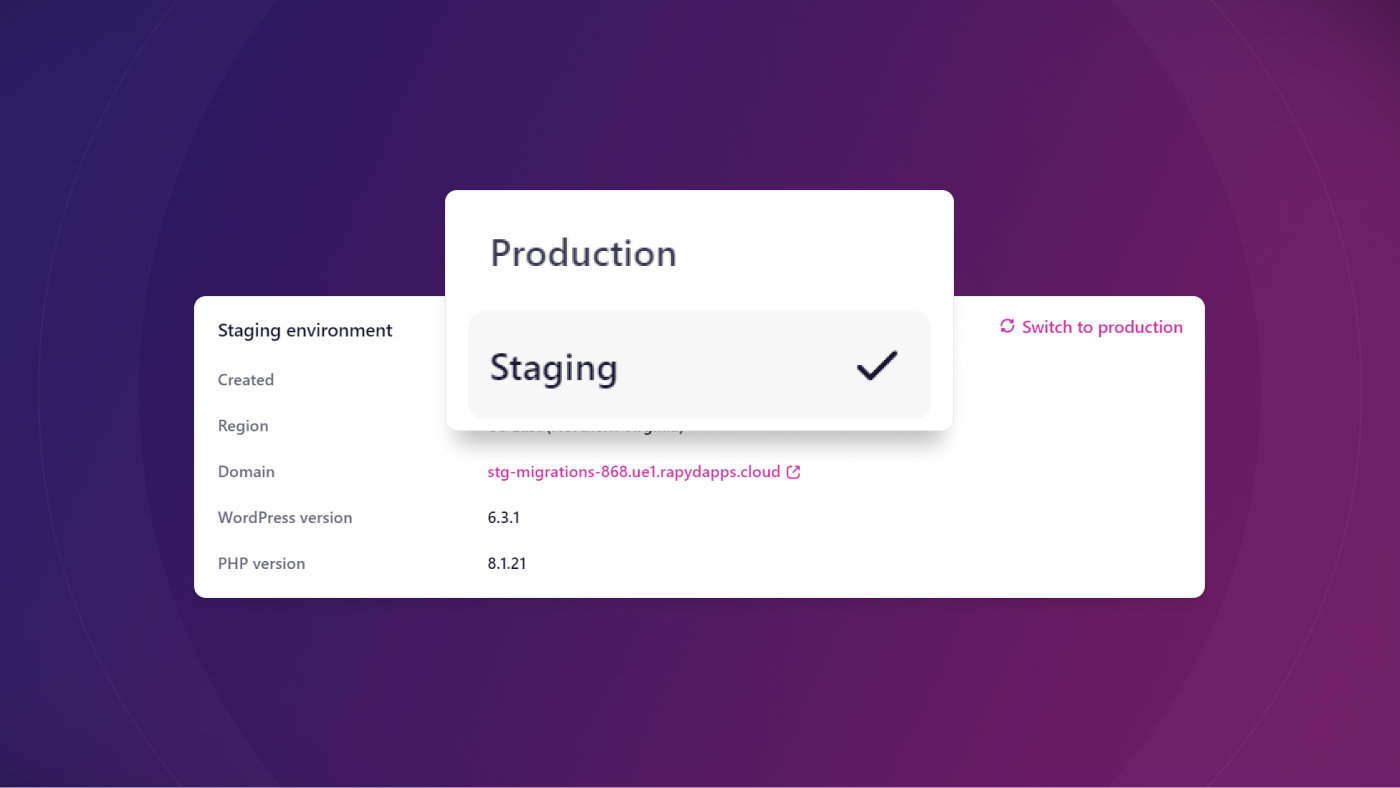
Test updates, content edits, and design changes in a safe place with our new staging feature
We have released the first version of our staging feature, which allows you to test site edits before making them on your live site.
What's New?
The first version of our staging feature is live. You can now create a staging site to safely test any type of site updates before making changes on your live site.
How It Works
Creating a staging site is quick and easy in the dashboard. Click the Production tab dropdown and an option to Create staging will appear. The build process takes about 10 minutes to finish. Once your staging site is built, you can test any edits or updates as much as you want before making them on your live site.
Staging sites have the same specs as our Developer plan - 1 vCPU, 2GB RAM, and 18 PHP workers. Disk space for staging sites is the same as the plan for the production site. So, for example, if you have a Performance plan, disk space would be 150GB.
With this version of our staging feature, you cannot pull from production to staging with one click. When you want to pull from production, you need to delete your staging site, then rebuild it by following the creation process mentioned above. We'll soon be releasing a tool to quickly rebuild staging that will replace this manual process.
Other important notes about staging:
You cannot add a custom domain to a staging site.
Staging sites do not have dedicated IP addresses.
Learn More
Check out our article about how to add and use staging sites here: How to Add and Use Staging Sites Using Rapyd