January 18th, 2024
New
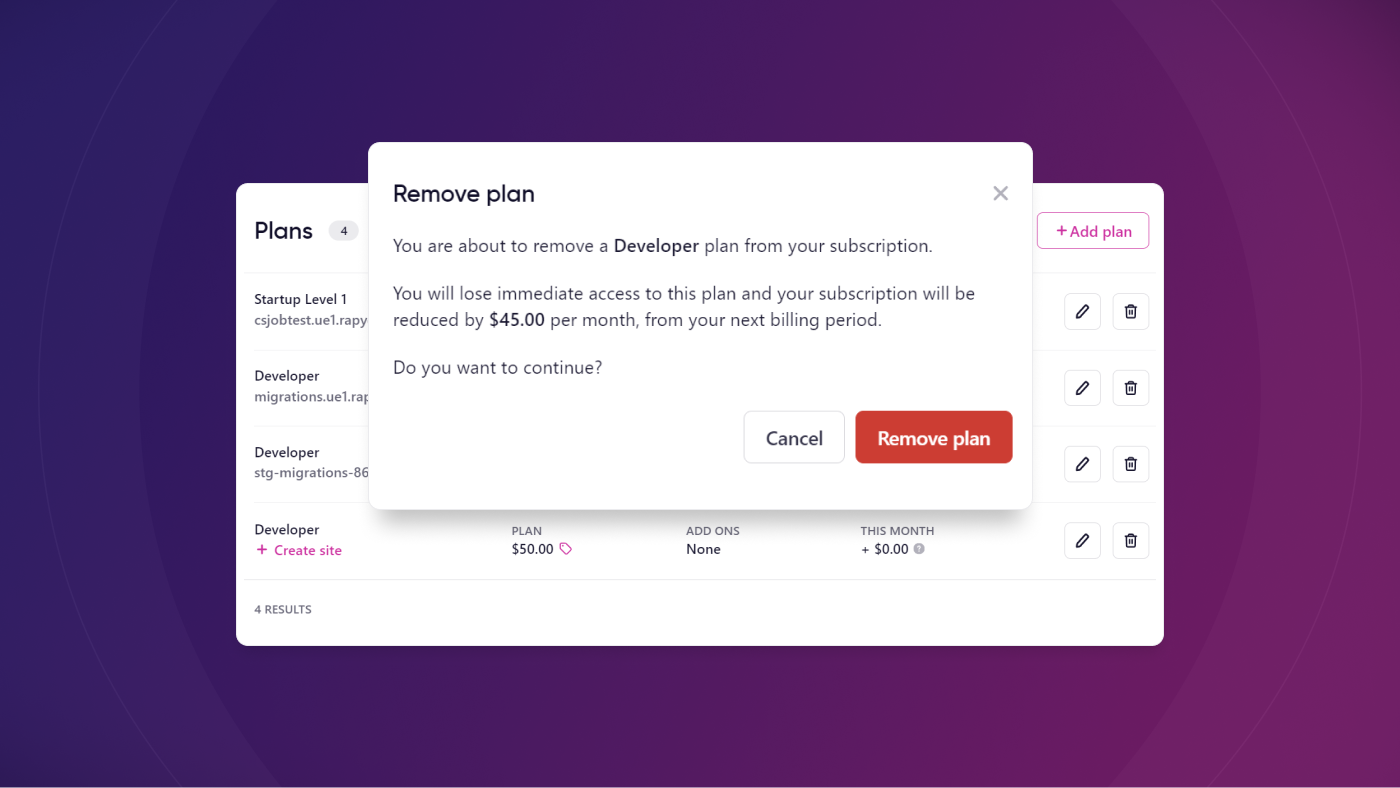
Remove unwanted plans quickly and easily
We've made subscription management a tad easier with our remove plan feature. You longer need to contact our support team to take care of this for you.
What's New?
You can now remove plans from your subscriptions directly in the Rapyd dashboard in the Billing area.
How It Works
To remove a plan, you need to first make sure that it doesn't have an active site associated with it. You can do this in Billing > View subscription. This shows you which plans have sites assigned. From here, you just click the Remove plan icon on the far right to continue with removing the plan.
Learn More
Check out our knowledge base article on How to Remove a Plan from a Rapyd Subscription for a step-by-step guide.
Write a comment...