January 5th, 2024
New
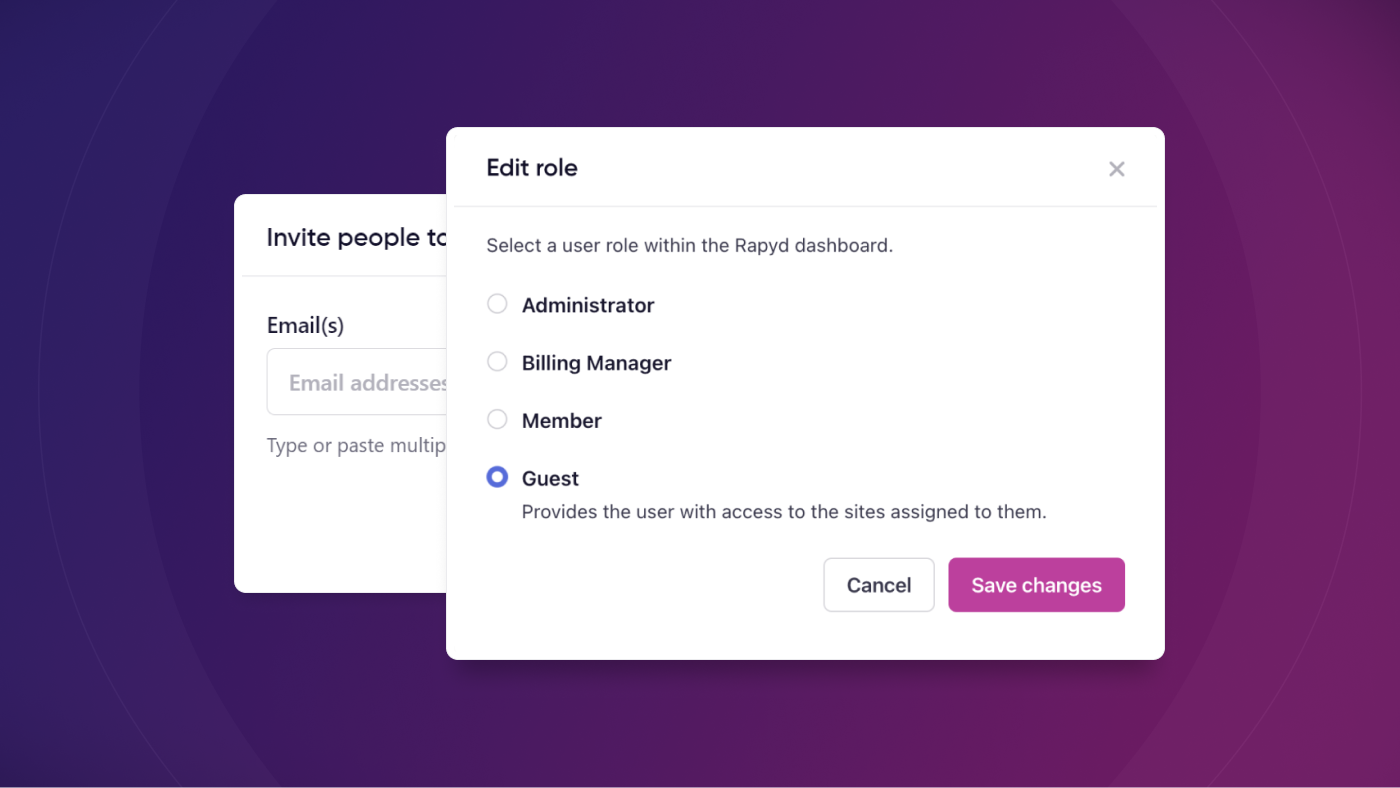
We've released updates to team management: Guest user roles and team visibility for Admins and Billing managers
Enjoy an extra level of granularity when inviting team members to your Rapyd account with the Guest user role.
What's New?
Guest User Role
You can now give invited team members Guest access, which is the most restricted level of account access.
Guests cannot see the Team tab in the main menu, and they can only see sites they have been given access to. You can also choose whether or not to give a guest access to the Rapyd support widget.
See Team Members
The Administrator and Billing Manager roles can now see all team members in the Team area of the dashboard.
How It Works
A user with an Administrator role can invite a Guest by going to Team > Invite people > Select Guest role.
Guest permissions related to site and support access can be set during the invitation process or later on by clicking the three dots to Edit role for the Guest user.
Learn More
Learn more about team management in our knowledge base article: Navigating the Team section on the Rapyd Dashboard